Aether · personal AI assistant
Meet your assistant.
It starts out as Aether. Then you give it a name, a personality and a voice, and it becomes your own assistant: one that sorts your messages, remembers what matters and gets things done.
Free to start · Works in your browser · Mac, Windows and Linux
First, make it yours.
Setting up takes about a minute. After that, it is not “Aether” any more.


- 1
Give it a name
Anything you like. That is what it answers to from then on.
- 2
Shape its personality
Warm or brisk, chatty or brief, serious or funny. Start from a ready-made character or set it yourself.
- 3
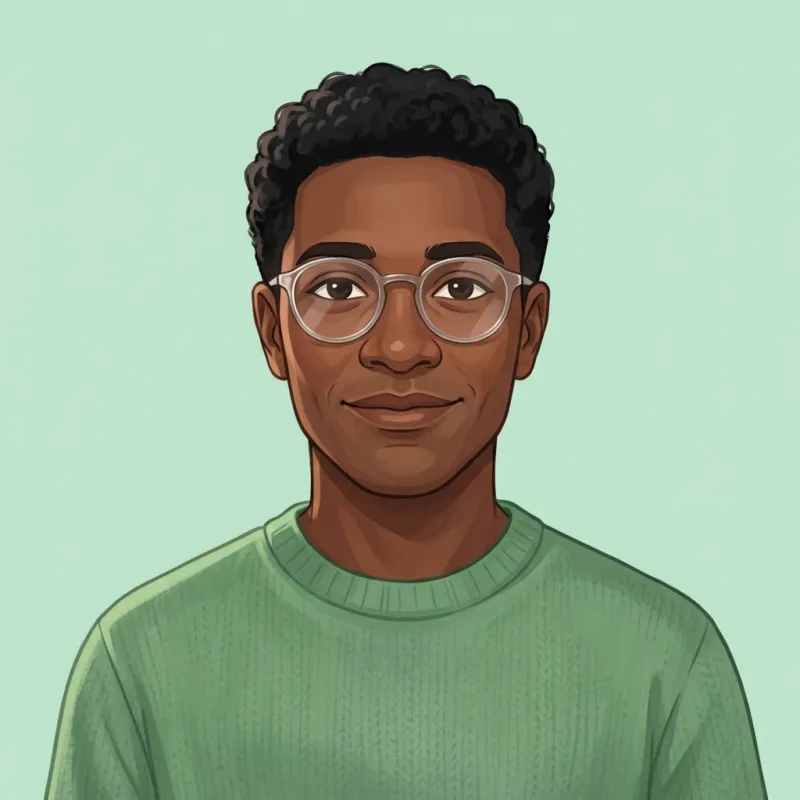
Pick a voice and a face
Choose how it sounds and how it looks. Change either whenever you like.
Then put it to work.
Catches you up
Your WhatsApp, Telegram and Instagram messages, sorted into one daily digest, with what needs a reply at the top.
Desktop appRemembers for you
The people, plans and documents you mention, kept in one private place and ready when you ask.
Browser and desktopLooks things up properly
Ask a hard question. It reads across many sources and comes back with an answer you can check.
Browser and desktopKeeps you on track
Reminders, timers, notes and a morning briefing, by voice or by typing.
Browser and desktopTalk to it or type. It answers out loud if you want it to.
A day with Mira.
Mira is one person’s assistant. Yours will have its own name.
Example conversation.
It works for you. You stay in charge.
It asks first
Before it spends anything, it tells you in plain words what it is about to do and waits for your yes.
You set the limits
Cap what it can spend, and change the cap whenever you like.
Your voice stays with you
On the desktop app, speech is understood on your own computer.
The same assistant on every computer you use.
Start in your browser. Add the desktop app for the full set of features. Link a new computer with a short code, and your assistant and its memory are there too.
A phone app is on the way.
What will you call yours?
Create your assistant in your browser in about a minute.